
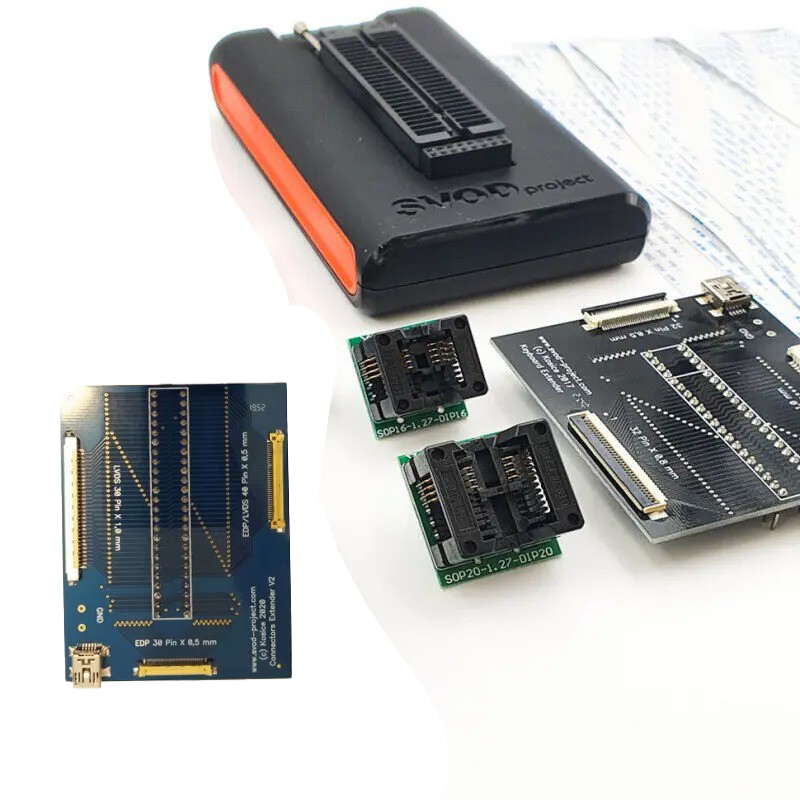
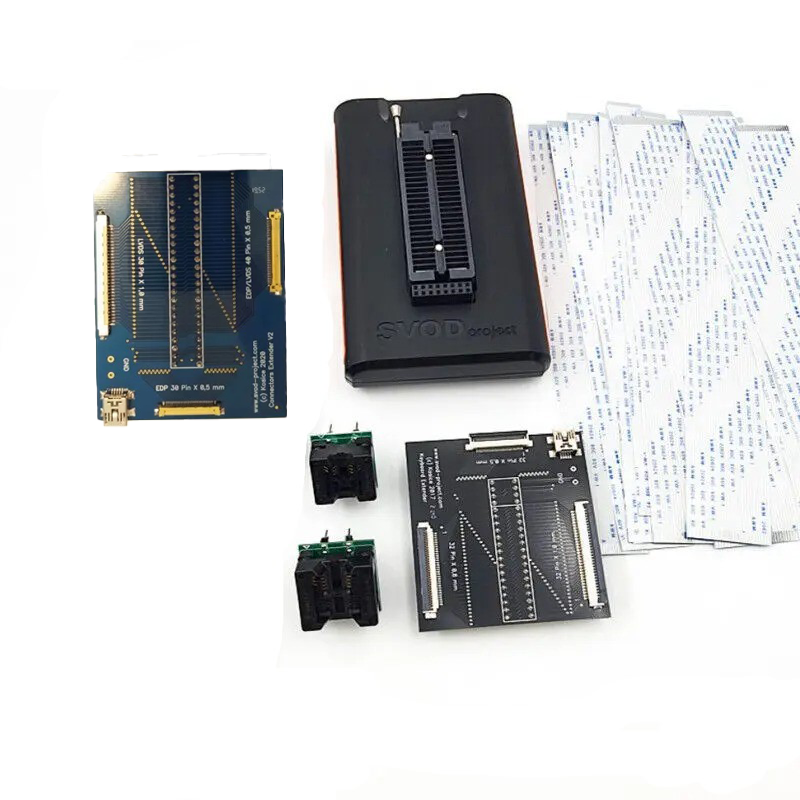
SVOD Professional Programmer Support SPI / I2C / SMBUS / NAND / EMMC
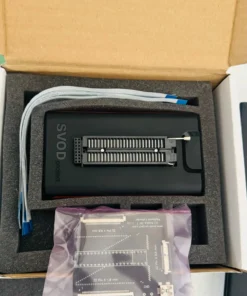
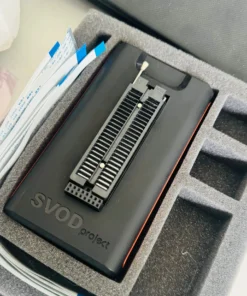
SVOD 4 Professional Programmer USB 2.0 High-Speed
Features:
Port for connecting to a computer: USB 2.0 high speed
High-speed ARM7 processor at 480MHz
Connection to IC: ZIF 48 + 16 Pin connector
Number of input-output ports: 56
Supply voltage: 12V, 5V, 3.3V, 2.5V, 1.8V, 1.5V, 1.25v, 1.2V, 0.8V.
Work with EC ITE, ENE, NUVOTON, MEC, EPFxxx
Supported protocols: SPI, I2C, SMBUS, 1-Wire, NAND, NOR, EMMC, JTAG, UART, CAN, parallel synchronous and asynchronous protocols
Automatic detection of “bad contact” when connecting IC
Supported:
KB9010, KB9012, KB9016, KB9018, KB9022, KB9028QC
NPCE288N/NPCE388N
ITE it8380E programmable
ITE it8380VG programmable
ITE it8386 programmable
ITE it8522 programmable
ITE it8580 programmable
ITE it8585e programmable
ITE it8586e programmable
ITE it8586VG programmable
ITE it8587e programmable
ITE it8589 programmable
ITE it8886H programmable
ITE it8886he programmable
ITE it8985e programmable
ITE it8987e programmable
ITE it8995E programmable
Nuvoton npce288na0dx programmable
Nuvoton npce388na0dx programmable
SMSC MEC1404-NU 128-VTQFP
SMSC MEC1404-SZ 144-WFBGA
SMSC MEC1406-NU 128-VTQFP
SMSC MEC1406-SZ 144-WFBGA
SMSC MEC1408-NU 128-VTQFP
SMSC MEC1408-SZ 144-WFBGA
SMSC MEC1414-NU 128-VTQFP
SMSC MEC1414-SZ 144-WFBGA
SMSC MEC1416-NU 128-VTQFP
SMSC MEC1416-SZ 144-WFBGA
SMSC MEC1418-NU 128-VTQFP
SMSC MEC1418-SZ 144-WFBGA
SMSC MEC1609 programmable
SMSC MEC1619 programmable
SMSC MEC1632 programmable
SMSC MEC1633 programmable
SMSC MEC1641 programmable
SMSC MEC1650 programmable
SMSC MEC1651 programmable
SMSC MEC1653 programmable
SMSC MEC5035 programmable
SMSC MEC5045 programmable
SMSC MEC5055 programmable
SMSC MEC5075 programmable
SMSC MEC1609 programmable
SMSC MEC1609i programmable
SMSC MEC1633L programmable
EPF011/021/035/036/037
SMSC MEC5085 non-programmable
-
Protocol: JEDEC ID (SPI25 Flash, NAND have 5 byte ID, SPI NAND has 512-byte ID, nor48, 40 have 3-byte ID, EMMC has 512-byte ID, new SPI25 has SFDP with 128-byte info)
-
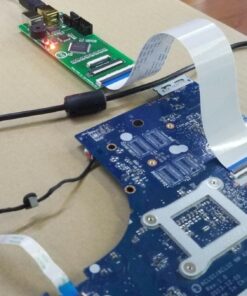
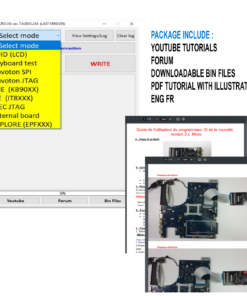
The mode of displaying POST codes of the laptop motherboard is implemented. Choose the software in the online base of your motherboard, download it, select it in the choice of motherboard, connect the motherboard with a loop to the keyboard connector, and read the postcodes by running the software in read mode of POST codes
Package included:
1 pcs Programmer SVOD 4
1 piece USB Connection cable
1 piece Extended board of ports for keyboard module
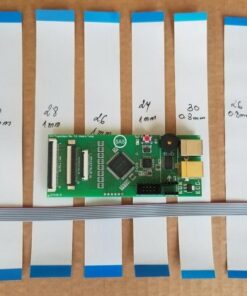
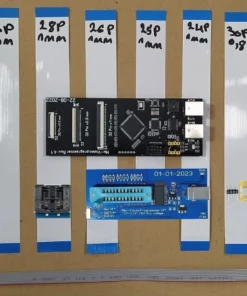
Flex cables: 34-pin, 32-pin, 30-pin, 26-pin (all cables you see in the picture).
1 set – sonic zip sockets: 150mm + 200mm
1set – wson qfn sockets: 6×5 + 6×8
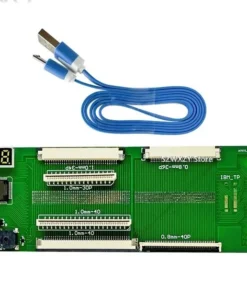
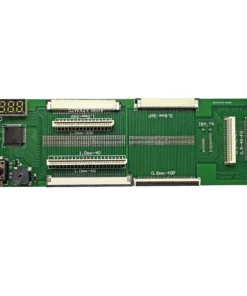
1 piece – LCD cable tester board
| Weight | 1 kg |
|---|
Only logged in customers who have purchased this product may leave a review.
Related products
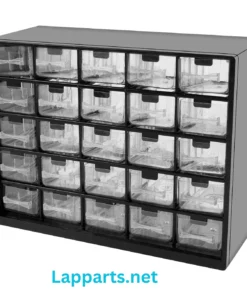
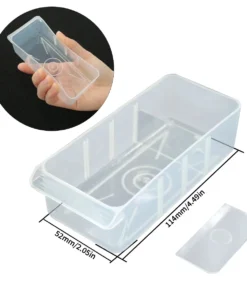
Storage Box
Bios Programmer


Electronic Items
Bios Programmer

Electronic Items

Electronic Items
Electronic Items

Electronic Items
Bios Programmer


Electronic Items


Electronic Items


Bios Programmer

Electronic Items


Bios Programmer
Electronic Items
Bios Programmer


Electronic Items


Bios Programmer
Bios Programmer
Bios Programmer
Bios Programmer

Electronic Items
Bios Programmer
EV2400 DRONE UAV SMBus Tool Battery Repair Communication Box
Bios Programmer
Bios Programmer
Bios Programmer


Bios Programmer
Bios Programmer


Electronic Items

Electronic Items
Reviews
There are no reviews yet.